| |
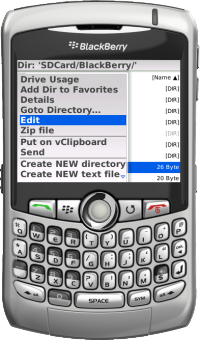
FileScout - Download & InstallationA file manager Software for BlackBerry® DevicesThe "all in one" file, zip, text and image manager for your BlackBerry® |
 |
Click here to try & buy FileScout via App World™ directly from your DeviceIf you have installed BlackBerry® App World™ you can simply try & buy FileScout there.
(installation of BlackBerry® App World™ required - if you do not have App World™ installed (or if App World™ is not available in your country) then please choose
'Option C' or 'Option D')
or
Read details at the 'BlackBerry App World - FileScout' Webpage |
 |
For the free FileScoutLite version no Registration Code is required. Simply download the FileScout Trial version from this Website and select Use free lite Version within the application.
You can install FileScout (Trial or Lite) "over the air" to your BlackBerry® device via the following link:FileScout.jad (aprox. 610 KiB) In your BlackBerry® Browser type: |
|
[for offline installation]
|
Click here to Download the offline intsallation package 'Blackberry_FileScout_v4.0.zip' (for DEVICES with OS4.7 or higher).
This ZIP contains the ALX & COD files that are required to install the application via RIM's 'DesktopManager which allows you
to install new applications on your BlackBerry Device via a USB-Cable from a PC or Mac.
If you need the OFFLINE-Intaller for Devices running OS4.3, OS4.5 or OS4.6 then please contact the support.
|